Costco Travel Login: How to Sign In Safely
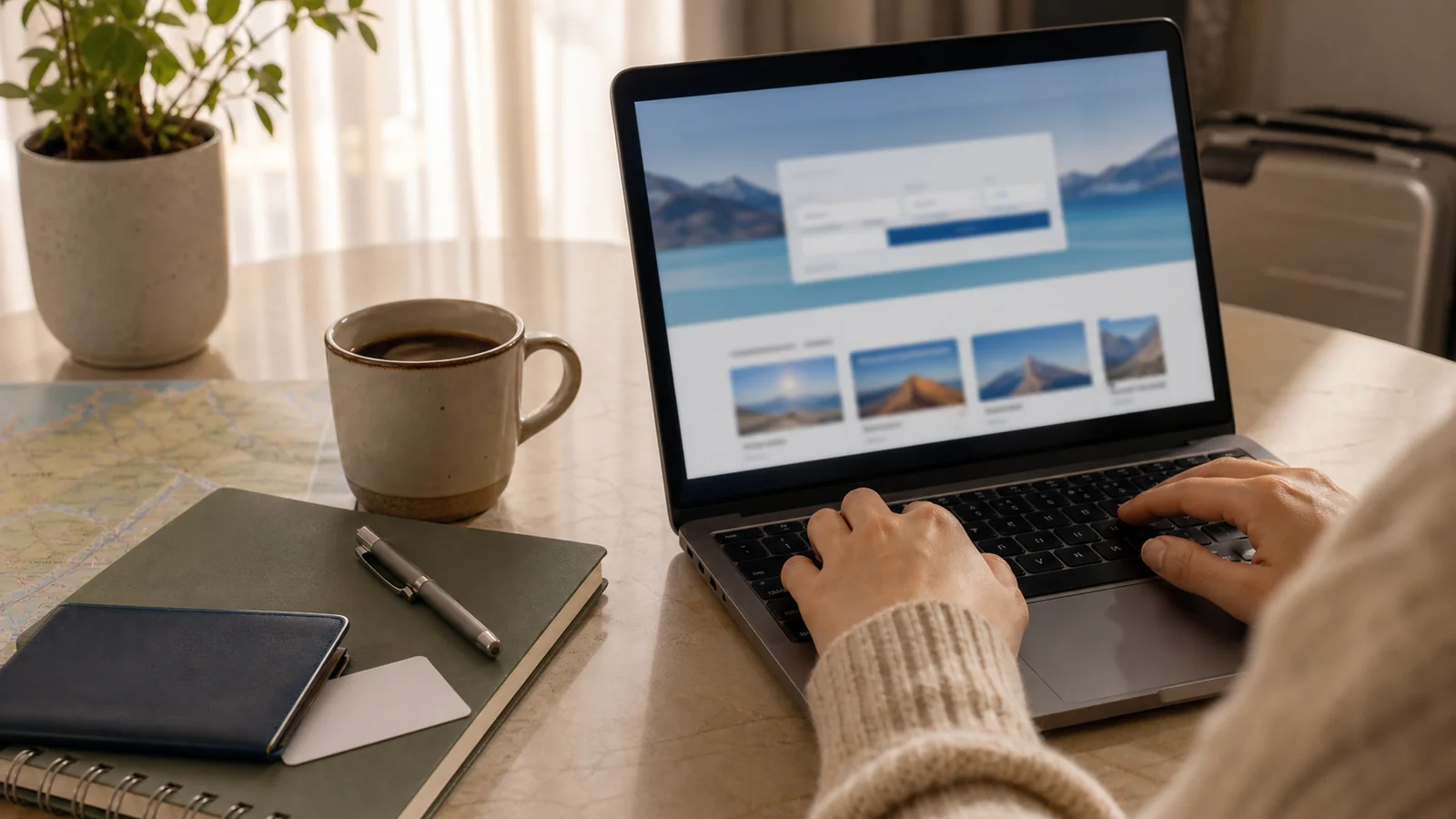
Use the Login as a Trip-Planning Tool, Not a Shortcut
The Costco Travel login is useful when you want to search member travel offers, review bookings, print itineraries, cancel eligible reservations, or return to a package you were comparing. It is not the whole decision. A calm trip still depends on reading the actual price, cancellation terms, hotel location, flight timing, rental car rules, and who handles changes if plans shift.
Costco Travel can be a good fit for members who want package vacations, hotels, cruises, rental cars, theme park trips, or bundled value in one place. It can be less useful when you want a very loose city route, loyalty-night credit from a hotel chain, a complex flight strategy, or direct control over every supplier.
Treat the login like a front door. Once inside, compare the trip like a traveler, not like someone trying to finish checkout quickly.
Start at the Official Site
For Costco Travel, begin at the official Costco Travel website rather than a search ad, forwarded email, or random coupon page. The real site uses Costco Travel branding, member travel categories, and official help pages. If you are unsure, type the address yourself instead of clicking a login link from an email.
Before signing in, check:
- The address is for Costco Travel or Costco.
- The page is protected by HTTPS.
- The login page does not ask for unnecessary information.
- You are not being pressured by a countdown, pop-up, or “exclusive fee” claim.
- The phone number or help link matches official Costco Travel pages.
- Browser autofill shows the account you expect.
Costco Travel has a fraud-prevention section, and that is a good reminder to slow down. Travel searches attract fake deal pages because people are already thinking about deposits, documents, and deadlines.
What You Need to Sign In
Costco Travel access is tied to Costco membership. Depending on how your account is set up, you may use your Costco.com email and password, a Costco Travel profile, or a checkout path that asks for a valid membership number and last name.
Have these ready:
- Costco membership number
- Email address used for Costco or Costco Travel
- Password manager access, if you use one
- Traveler names exactly as they appear on IDs
- Payment card
- Trip dates and destination
- Existing confirmation number, if managing a booking
If your membership number changed because of a replacement card or a new linked card, you may need to update or recreate account access. Do not guess through several failed login attempts when a quick account reset or official help page would be cleaner.
Can You Continue Without an Account?
Costco Travel help pages say you may be able to purchase travel without logging in by using a valid membership number and last name, then choosing a continue-without-account option on the login page. That can be helpful if you are booking from a shared computer, helping a family member compare prices, or cannot reach your saved password.
Still, signing in has advantages. A profile can make it easier to view bookings, print itineraries, and manage certain reservations online. It also reduces the chance that you mistype a membership number or lose the path back to a saved booking.
Use the account path when:
- You want to return to bookings later.
- You expect to cancel or change online.
- You are comparing several trip types.
- You want confirmation emails and profile details aligned.
- You are booking a larger package, cruise, or hotel stay.
Use continue-without-account only when it clearly fits the task and you are confident the membership details are correct.
Basic Costco Travel Login Steps
The exact screen can change, but the safe pattern is simple.
- Go to the official Costco Travel site.
- Select the login or sign-in option.
- Enter the email and password tied to your Costco account or Costco Travel profile.
- Complete any verification step shown.
- Confirm that your membership details look right.
- Search packages, hotels, cruises, rental cars, or other travel categories.
- Open the full terms before checkout.
- Save or print the confirmation after booking.
If you are using a public or borrowed device, do not save the password in the browser. Log out when finished, then close the browser tab.
For broader portal decisions, our Citi Travel booking guide covers a similar habit: convenience matters, but the cancellation and support path matters just as much.
If the Login Does Not Work
Most login trouble is ordinary: old password, wrong email, membership mismatch, browser issue, or confusion between Costco.com and Costco Travel account details.
Try this sequence:
- Recheck the official address.
- Confirm you are using the right email address.
- Try the password reset path rather than repeated guesses.
- Check whether your membership is active.
- Clear the browser cache or try a private window.
- Disable extensions that may block sign-in scripts.
- Try another browser or device.
- Check email for verification or password reset messages.
- Use official Costco Travel contact options if the booking is time-sensitive.
Do not search for “Costco Travel support number” and call the first result without checking it. Scam pages often imitate travel support because travelers are anxious when a booking is not loading.
Managing Existing Bookings
After you sign in, look for the booking area that matches what you reserved. Costco Travel separates travel products, so hotel-only bookings, rental cars, vacation packages, and cruises may have different management paths.
Before making changes, save:
- Confirmation number
- Supplier confirmation number, if shown
- Invoice or itinerary
- Cancellation deadline
- Refund or penalty language
- Traveler names
- Payment receipt
- Contact number for urgent changes
Some reservations can be canceled online. Others may need a phone call or supplier contact. Rental cars are often more flexible than prepaid hotels, packages, or cruise arrangements, but do not assume. Read the booking’s specific terms.
If your trip has several moving parts, it may help to compare the portal booking with a direct booking before paying. Direct hotel or airline booking can sometimes give clearer control over changes, while a portal can bundle value or simplify the purchase.
Read the Final Price Before You Trust the Deal
Costco Travel can show strong package or rental car value, but the login does not replace price checking. The best comparison is the out-the-door trip, not the first search result.
Compare:
- Total package price
- Taxes and mandatory fees
- Resort fees or local fees
- Included transfers
- Included meals or credits
- Room category
- Flight times and layovers
- Rental car taxes and pickup rules
- Cancellation penalties
- Payment schedule
- Whether a shop card or rebate applies later rather than today
For slow travel, location deserves extra attention. A better package price can lose value if the hotel sits far from the neighborhoods you actually want to walk. A rental car deal may be excellent for a road trip but unnecessary for a city where parking is expensive and transit is easy.
Account Security Checklist
Travel accounts hold useful information: names, dates, destinations, payment details, and confirmation numbers. Keep the login tidy.
Use:
- A unique password
- A password manager
- Two-step verification if offered
- Official password reset links
- A private device for checkout when possible
- Saved PDFs or screenshots of key booking terms
Avoid:
- Reusing the same password from old shopping accounts
- Logging in from hotel lobby computers
- Sending confirmation numbers in group chats
- Clicking deal emails without checking the sender
- Saving card details on shared devices
- Posting booking screenshots that show names or reservation numbers
Good account hygiene is boring, which is exactly the point. You want the travel part to be interesting, not the login recovery.
When Costco Travel Fits a Slow Trip
Costco Travel works best when the structure helps rather than traps you. It can be useful for a resort stay, a rental car, a cruise, a theme park trip, or a package where the included pieces are things you would buy anyway.
It may fit a slow city trip when:
- The hotel location is genuinely useful.
- The cancellation terms match your uncertainty.
- The package leaves enough free time.
- You do not need hotel elite benefits.
- The rental car is for day trips, not daily city parking.
- The total price beats direct booking after all fees.
It may be less ideal when:
- You want to choose each neighborhood stay separately.
- You may change dates often.
- You value hotel loyalty benefits.
- You need complex flights.
- You want small independent inns not listed in the portal.
- You prefer direct communication with the property.
Our guide to choosing a travel inn can help with that location-first check before you commit to a portal package.
What to Save After Booking
Once a booking is complete, do not rely only on the account dashboard. Save your own copy.
Keep:
- Confirmation email
- Invoice or itinerary PDF
- Hotel, cruise, or rental supplier confirmation
- Cancellation policy
- Payment schedule
- Travel insurance information, if purchased
- Important phone numbers
- Passport or ID reminders
- Transfer details
- Check-in instructions
If you are booking a package, make a small trip folder in your email or cloud drive. If you are traveling internationally, store a copy offline too. A login problem on the road should not block the details you need at the desk.
If luggage risk is part of the trip, our baggage insurance guide explains what documents to keep before and after a flight.
Common Mistakes to Avoid
The login itself is rarely the biggest issue. The mistakes happen around it.
Avoid:
- Clicking unofficial login links from search ads or emails.
- Assuming the first package result is the best fit.
- Ignoring hotel location because the bundle looks cheaper.
- Missing cancellation deadlines.
- Forgetting that some canceled reservations cannot be reinstated.
- Assuming every booking can be changed online.
- Booking under names that do not match travel documents.
- Depending on a dashboard without saving confirmations.
- Comparing package price against direct price without matching room type and fees.
- Calling an unverified support number.
The fix is to slow the purchase down by five minutes. Open the terms, compare the route, save the proof, and make sure the booking supports the trip you actually want.
FAQ
Do I need a Costco membership to use Costco Travel?
Yes. Costco Travel is a member travel service. You generally need an active Costco membership to book through it, even if you browse some public pages before checkout.
Can I book Costco Travel without logging in?
Costco Travel help pages say you may be able to continue without an account by using a valid membership number and last name. Signing in is still useful for viewing and managing bookings.
Is the Costco Travel login the same as Costco.com?
Costco Travel sign-in has been moving toward using Costco.com email and password access. If your usual credentials do not work, use the official reset or help path rather than guessing.
Where do I find my Costco Travel booking?
Sign in to Costco Travel and look for the booking section that matches your reservation type. Also keep your confirmation email and supplier confirmation number outside the account.
Is Costco Travel good for flexible city trips?
Sometimes. It can work when the hotel location, cancellation terms, and total price fit your plan. Direct booking may be better when you want maximum flexibility or loyalty benefits.
The Bottom Line
The Costco Travel login is helpful when it gives you a clean way to compare, book, and manage member travel offers. Use the official site, keep your membership details handy, save confirmations outside the dashboard, and read the real booking terms before you pay.
A good portal booking should make the trip calmer. If the login gets you to a deal that fits your route, great. If it hides too many details or pushes you into a rigid plan, step back and compare before the checkout button starts making decisions for you.
You might also like
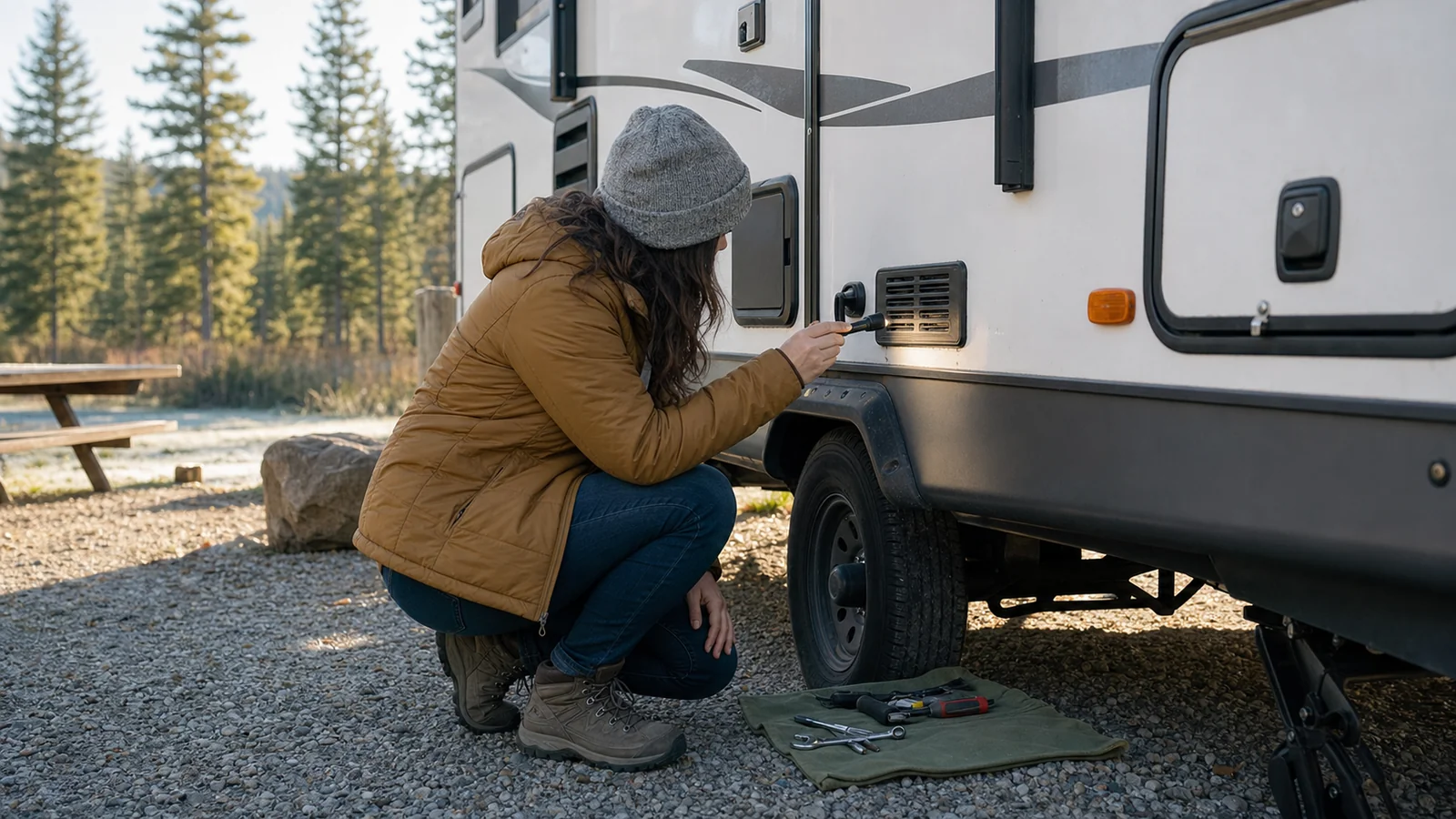
Travel Trailer Furnace Repair: Safe First Checks
Troubleshoot a travel trailer furnace safely with basic checks, warning signs, and clear rules for calling an RV technician.

Student Air Travel Discounts: How to Compare Them
Compare student air travel discounts by checking eligibility, total fare, baggage, flexibility, routes, and booking rules.
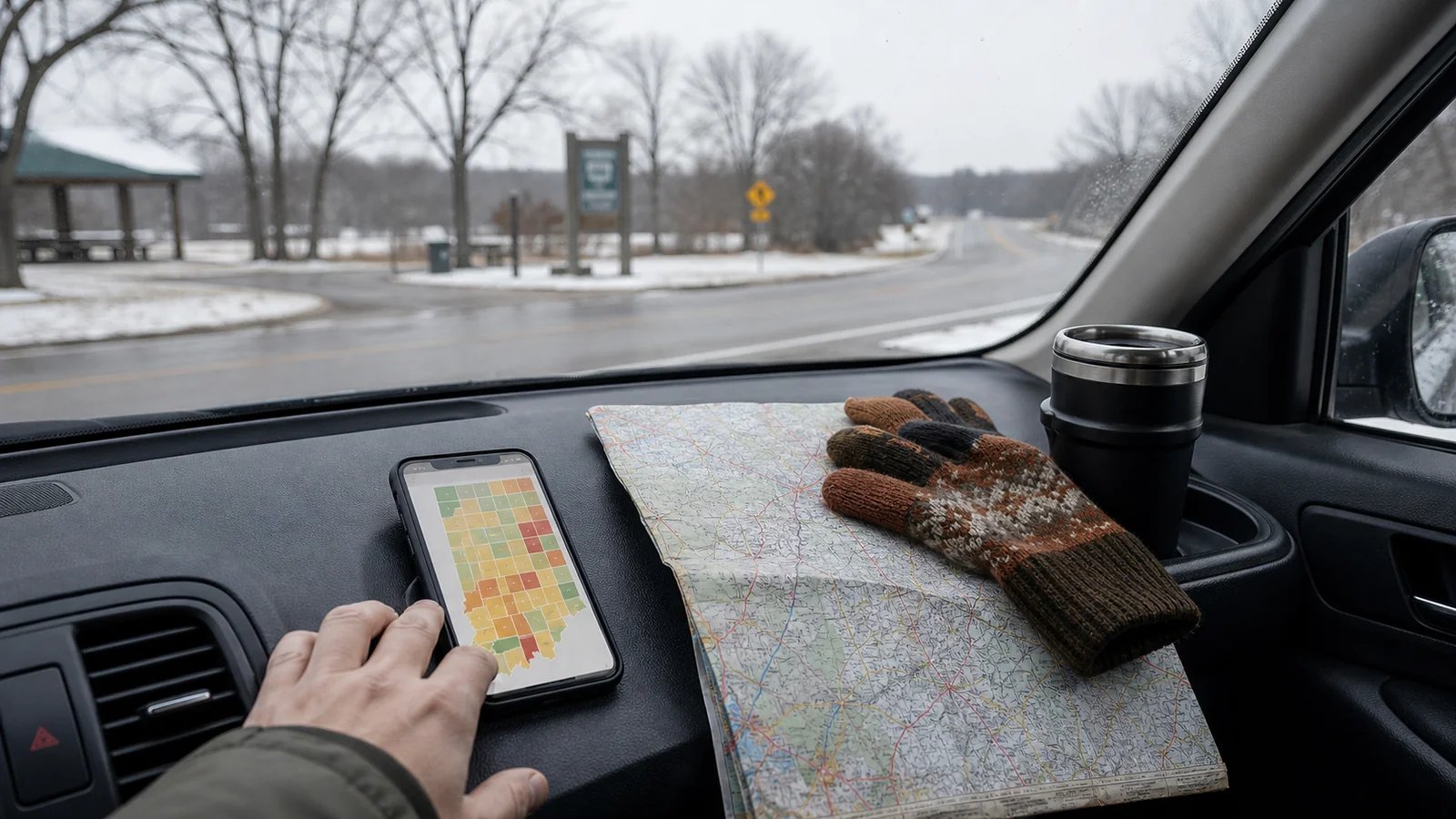
Travel Advisory Map Indiana: Road Checklist
Use Indiana's travel advisory map before you drive, with a county-by-county checklist for safer flexible trips.