Travel Advisory Map Indiana: Road Checklist
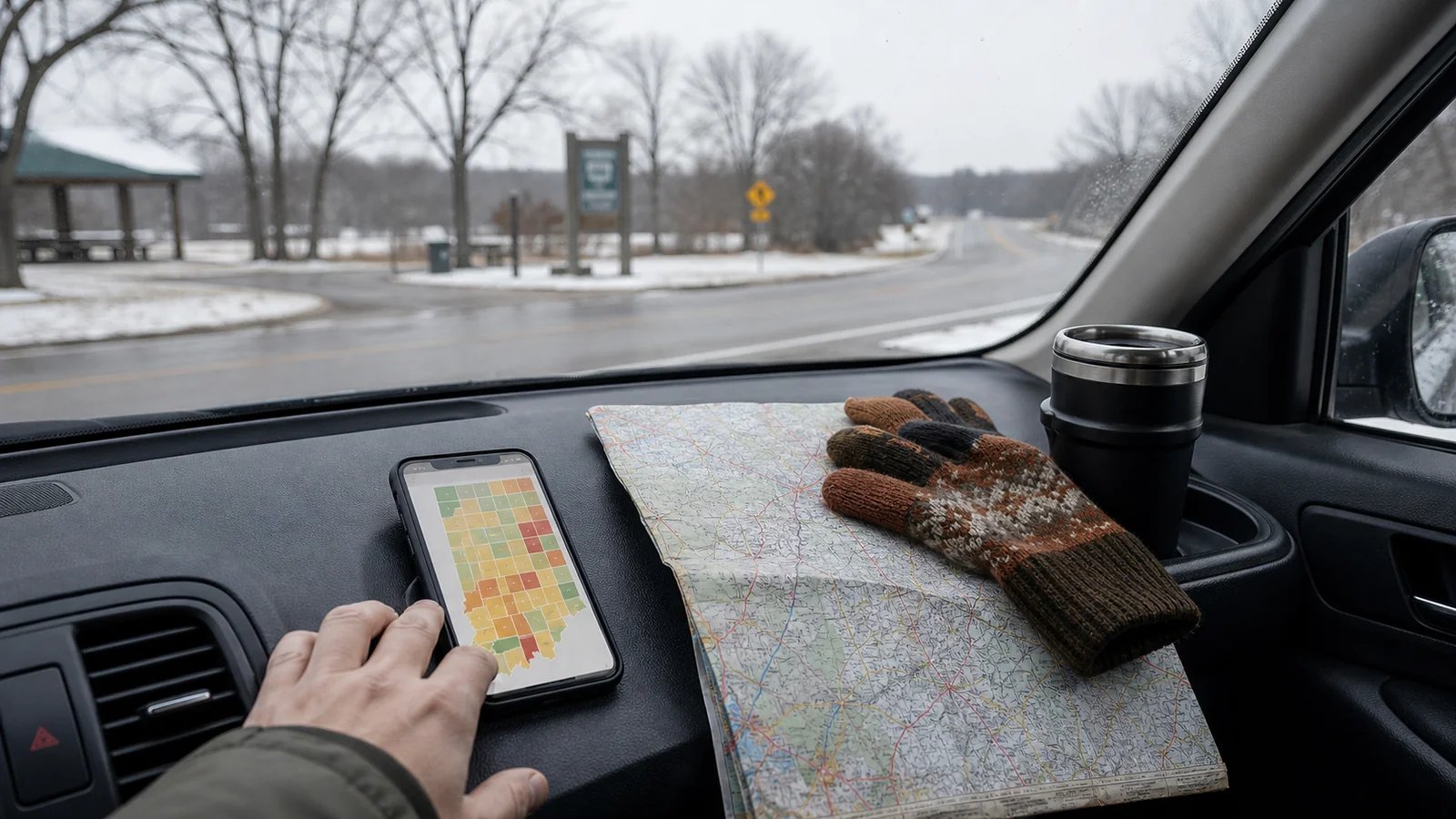
Use the Travel Advisory Map Indiana Before the Route Feels Urgent
The travel advisory map Indiana visitors see online is most helpful before you are already tense about the drive. Check it while you still have options: before hotel checkout, before a rural detour, before an evening departure, and before you decide that one more stop will be fine.
Indiana’s county travel status map is not the same as a turn-by-turn navigation app. It gives county-level travel status, usually based on local emergency management updates. That makes it useful for road-trip decisions that a normal map cannot answer: should we leave now, wait, stay local, or resize the day?
If you need a broader explanation of the map itself, our Indiana travel advisory map guide covers the basics. This checklist is narrower: how to use the map before a real drive.
Step 1: Name Every County on the Route
The biggest mistake is checking only the county where you plan to sleep. Indiana road trips often cross several counties, and the most difficult stretch may sit between two calm-looking cities.
Before you look at the map, write down:
- Starting county
- Destination county
- Counties along the main route
- Counties along your backup route
- County for any planned lunch, museum, park, or fuel stop
- County where you could stop early if conditions worsen
This may feel fussy, but it keeps the decision grounded. A trip from Chicago to Indianapolis, Louisville to Bloomington, or Fort Wayne to South Bend can move through different conditions in the same afternoon.
If you do not know the county names, zoom out on a map first. Then check the county travel status map with those names in mind.
Step 2: Read the Highest-Risk County First
Once you know the counties, do not average them together. One difficult county can shape the whole drive.
Use this route-first view:
| Route pattern | What it means for a leisure trip |
|---|---|
| All counties normal | Keep the plan, but recheck before departure |
| One county under advisory | Slow down, simplify stops, and watch timing |
| Several counties under advisory | Treat the whole route as more fragile |
| Any county under watch | Ask whether the drive is truly needed today |
| Any county under warning | Do not treat a leisure drive as normal |
For visitors, “essential travel” is a high bar. A dinner reservation, scenic stop, or prepaid museum ticket usually is not essential. If the most concerning county sits on your only realistic route, build a smaller plan.
Step 3: Pair the Map With Road and Weather Tools
The county map is one layer. It should sit beside weather forecasts and official road information.
Check:
- County travel status for every route county
- Hourly weather for departure, arrival, and the coldest part of the drive
- Official road-condition tools such as 511IN when road conditions matter
- Flooding, freezing rain, snow, fog, high wind, or visibility concerns
- Sunset time
- Parking and walking conditions at your destination
The direction of the weather matters. An advisory before an improving afternoon is different from an advisory before a worsening evening. If the forecast gets worse after dark, leave earlier, stay local, or wait.
Do not let a navigation app’s arrival time become the whole decision. A blue route line can still be a poor choice for a relaxed trip if officials are asking drivers to use caution.
Step 4: Decide Before You Are in the Car
A flexible trip still needs a clear threshold. Decide what you will do before the drive becomes emotional.
Try this simple decision ladder:
- No advisory: keep the route and recheck near departure.
- Advisory on part of the route: remove optional stops and drive in daylight if possible.
- Multiple advisories: choose the simplest main-road route or stay in one city.
- Watch on the route: delay nonessential travel or change bases.
- Warning on the route: stay put, reroute away, or postpone the drive.
This is especially useful if you are traveling with another person. Agree on the threshold before one of you is tired and the other is worried. It is easier to follow a decision you made calmly.
Step 5: Build a Two-Hour Backup
You do not always need to cancel the whole day. Sometimes you need a two-hour backup that lets conditions settle.
Good backup stops include:
- A library
- A museum
- A coffee shop with parking
- A hotel lobby or early check-in option
- A downtown restaurant near your route
- A visitor center
- A larger town before a rural stretch
The backup should be indoors, easy to reach, and not dependent on narrow rural roads. Save it before you leave. If the map changes while you are out, you already know where to pause.
For broader county status definitions, our Indiana travel advisory levels guide explains advisory, watch, and warning in more detail.
How This Works for Common Indiana Trips
Indianapolis to Bloomington
This route can feel short enough to dismiss, but weather can change the drive quickly. Check Marion County, Monroe County, and the counties on your chosen route. If advisories appear south of Indianapolis, consider staying in the city and saving Bloomington for a clearer morning.
Chicago Area to South Bend
Travelers often think of this as a simple interstate drive. Still, winter lake-effect weather and cross-border conditions can complicate timing. Check the Indiana county status after you enter the state, not only the departure weather near Chicago.
Louisville to Indianapolis
This route may cross conditions that feel different from the city weather at either end. If the advisory map shows trouble in the middle counties, choose a daylight drive and drop optional detours.
Fort Wayne to Smaller Towns
County-to-county differences matter more when you leave larger roads. If your plan depends on rural museums, covered bridges, parks, or small-town restaurants, check those counties directly.
What to Pack Within Reach
You do not need expedition gear for every Indiana drive, but you should keep basic items where you can reach them without unloading the car.
Pack:
- Phone charger or battery pack
- Warm layer
- Water
- Medication
- Snacks
- Gloves in cold months
- Ice scraper if driving your own car in winter
- Offline lodging address
- A simple paper or saved backup route
This is not dramatic preparation. It makes waiting easier if you decide to pause for an hour or change the route.
Common Visitor Mistakes
Visitors tend to make the same few mistakes with the travel advisory map Indiana publishes.
Avoid:
- Checking the destination county only
- Assuming an advisory means every road is fine
- Treating a watch as a normal leisure day
- Waiting until hotel checkout to make the decision
- Driving after dark because the original plan said so
- Choosing a scenic back road when main roads are safer
- Forgetting that a rental car may feel different in bad conditions
- Letting sunk costs decide the route
A flexible traveler is not someone who ignores the map. A flexible traveler lets the day change before the drive becomes stressful.
A Calm Pre-Drive Checklist
Use this five-minute version before you leave:
- List every county on the route.
- Check the Indiana county travel status map.
- Check weather and road conditions for the same counties.
- Note the highest-risk county.
- Choose your latest safe departure time.
- Remove one optional stop if any advisory appears.
- Save one indoor backup stop.
- Tell your lodging if arrival timing may change.
- Recheck just before starting the drive.
If this checklist makes the plan look too fragile, that is useful information. The best road-trip decision is often made before the tires move.
FAQ
What is the travel advisory map Indiana travelers should check?
It is Indiana’s county-level travel status map. It helps residents and visitors see whether local officials have posted travel advisories, watches, or warnings for counties.
Should I check every county or only my destination?
Check every county on your route, plus the destination. The hardest conditions may sit between your starting point and the place you plan to visit.
Does a county advisory mean I cannot drive there?
Not always. An advisory is generally lower than a watch or warning, but it still means travel may be affected. For leisure travel, slow down, simplify the day, and compare it with weather and road information.
How often should I recheck the map?
Check before departure and again before long county-to-county drives. Recheck more often when snow, ice, flooding, fog, or severe weather is changing quickly.
What should I do if a warning appears on my route?
For a leisure trip, stay put, reroute away from that county, or postpone the drive. Do not treat a warning as normal road-trip background noise.
The Bottom Line
The travel advisory map Indiana provides is most useful when you turn it into a route decision. Name the counties, read the highest-risk area first, compare the map with weather and road tools, and choose a backup before the drive feels urgent.
That small pause can keep the rest of the trip intact: a safer arrival, a calmer evening, and a plan that changes before the road makes the decision for you.
You might also like

Indiana Travel Advisory: What the Levels Mean
Learn how Indiana travel advisory levels work, when to wait, and how to adjust a flexible road trip safely.

Indiana Travel Advisory Map: How to Use It
Use Indiana's travel advisory map to read county road risk, adjust plans, and keep a flexible road trip calmer.

Travel Trailer Furnace Repair: Safe First Checks
Troubleshoot a travel trailer furnace safely with basic checks, warning signs, and clear rules for calling an RV technician.